One palette across apps
Pult finds supported installed apps and uses their theme or include mechanism where available.
Public documentation / Linux and macOS

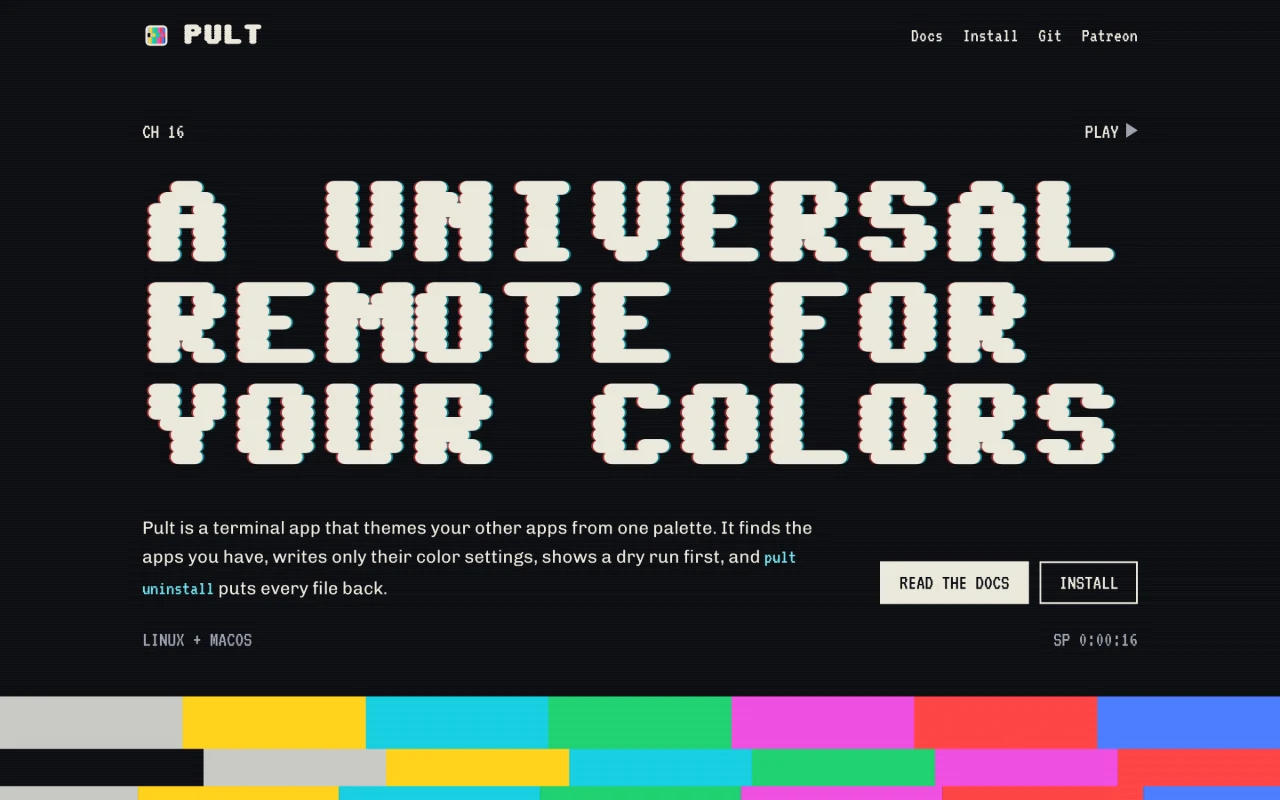
A universal remote for your colors.
A terminal app that applies one palette across supported apps. Inspect the dry run, apply the colors and undo recorded changes. The public website includes documentation and a labeled browser mock-up of the terminal interface.
For people who want their terminal tools to share a palette.
WHAT YOU CAN DO
Pult finds supported installed apps and uses their theme or include mechanism where available.
Inspect the files and diffs before applying a theme.
Undo a change or uninstall the theme. Later edits are left alone unless you explicitly force restoration.
A PLACE TO START
Use pult list to see supported apps and configuration ownership.
Run pult apply -dry-run with the theme you want.
Apply the palette when ready. Use undo or pult uninstall to restore recorded files.
A FEW DETAILS
The public Pult site has installation instructions and documentation for Linux and macOS.
No. Its interactive panel is a labeled browser mock-up. The terminal application runs locally and asks before writing files.
BUILT BY SUBCULT
Support SUBCULT’s work on Pult. The local theme manager and documentation remain available on their existing terms.
Pult / BY SUBCULT