A metronome
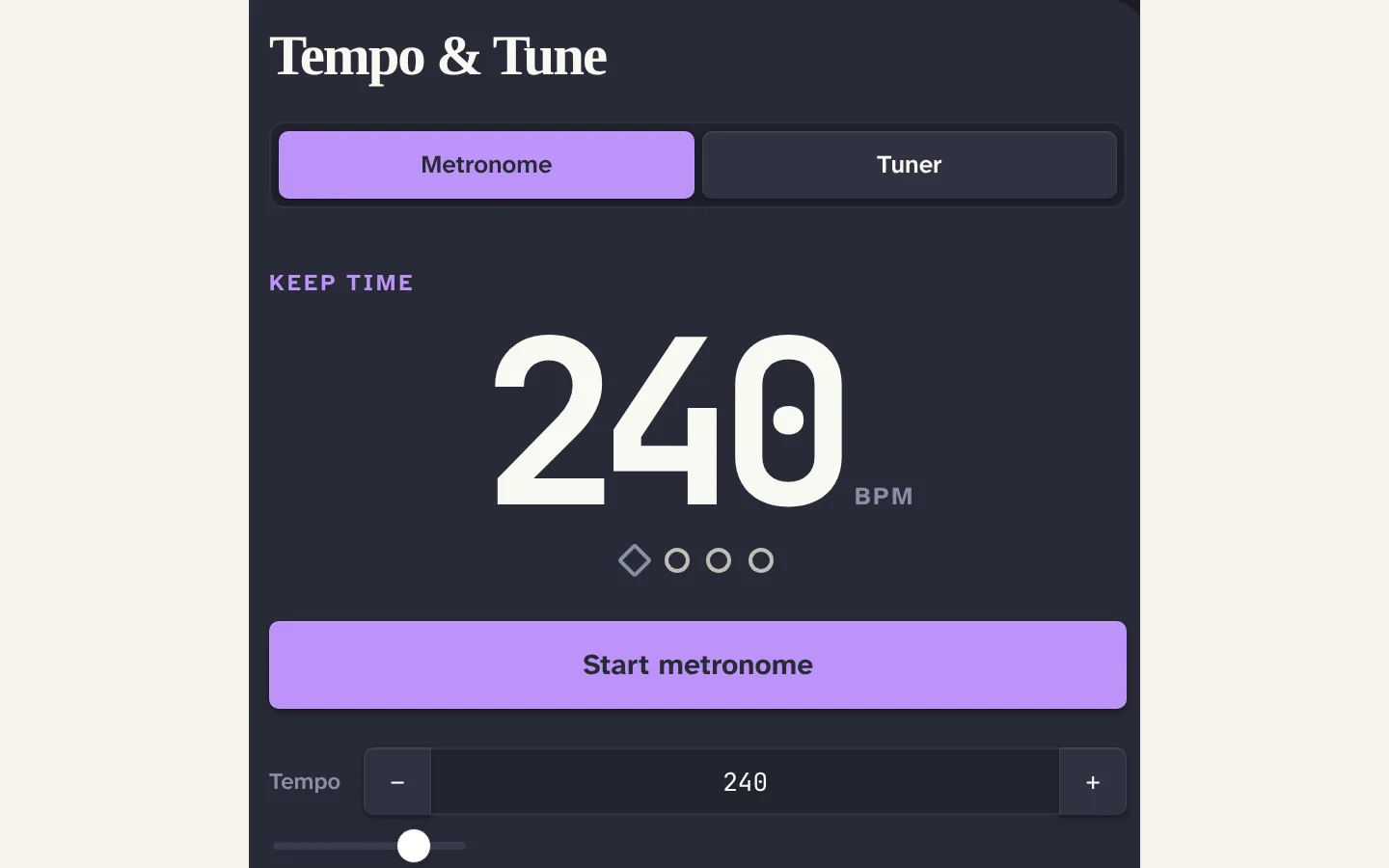
30 to 300 BPM with tap tempo, time signatures, an accent on the downbeat and seven click sounds.
Obsidian plugin
A metronome from 30 to 300 BPM with tap tempo, time signatures, accents and seven click sounds, and a chromatic tuner that shows the frequency, the cents and the nearest note, with A4 adjustable from 415 to 466 Hz. The microphone is used only after you opt in and the audio never leaves the device. Desktop and mobile.
For anyone who practises with their notes open.
WHAT YOU CAN DO
30 to 300 BPM with tap tempo, time signatures, an accent on the downbeat and seven click sounds.
Frequency, confidence, cents and the nearest note. A4 adjustable from 415 to 466 Hz.
The microphone is used only after you opt in. Audio is analysed on the device and never recorded, stored or sent anywhere.
GETTING IT
Once the plugin is accepted into the Obsidian marketplace, install it from Community Plugins. Until then, copy main.js, manifest.json and styles.css from a release into your vault’s plugin folder.
Commands for Open, Start metronome and Stop metronome. Everything is reachable from the keyboard.
A FEW DETAILS
Yes. It supports Obsidian 1.7.2 and later on desktop and mobile.
MADE IN THE OPEN
Patreon pays for the hours and the hosting. Paid members get private channels in our Discord and supporter posts, which show up when we have something to share. The monthly newsletter is free.
Metronome + Tuner / BY SUBCULT