The current task
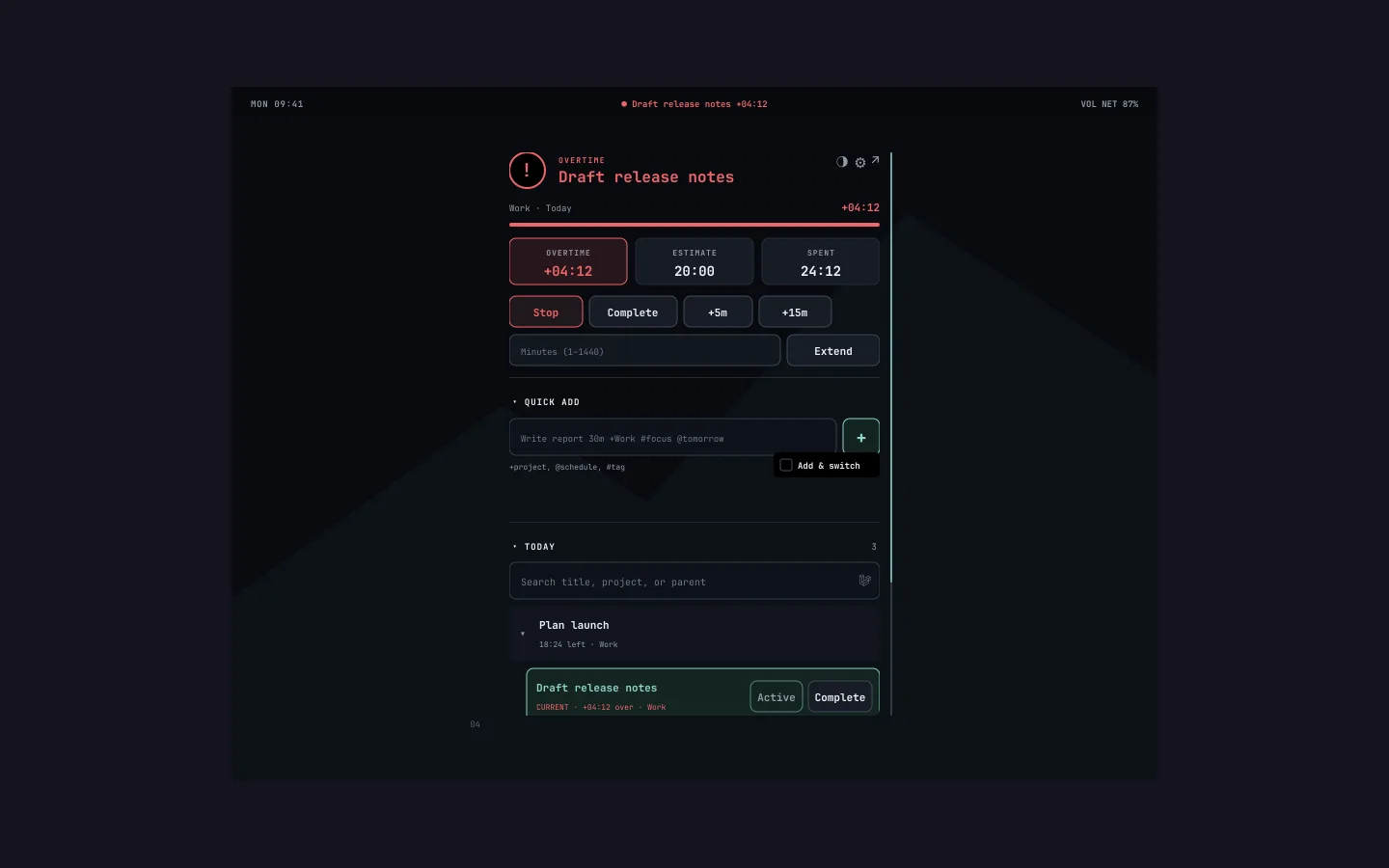
A live countdown, overtime when you run past the estimate, and Stop, Complete and Extend.
Omarchy plugin

Your current Super Productivity task with a live countdown and overtime, Stop, Complete and Extend controls, a Today list, quick add with +project, @schedule and #tag, and a sound when a task runs out or is due to start. It talks to the desktop app over its local API.
For Omarchy users who run Super Productivity and want the current task in sight.
WHAT YOU CAN DO
A live countdown, overtime when you run past the estimate, and Stop, Complete and Extend.
The day’s list as parent and child blocks, each with Start and Complete.
Type a task with +project, @schedule and #tag and it lands in the app.
A sound when a task expires or a scheduled one is due to start.
GETTING IT
In the Super Productivity desktop app, enable the local REST API. The plugin only talks to loopback addresses.
omarchy plugin add https://github.com/patrickfanella/omarchy-superproductivity.git --enable
A FEW DETAILS
Yes, rarely. The app’s API has no transactions or revision guards, so a change from the bar and a change in the app at the same moment can race. Recovery is best effort.
Yes. It reads and writes through the desktop app on the same machine.
MADE IN THE OPEN
Patreon pays for the hours and the hosting. Paid members get private channels in our Discord and supporter posts, which show up when we have something to share. The monthly newsletter is free.
Super Productivity for Omarchy / BY SUBCULT